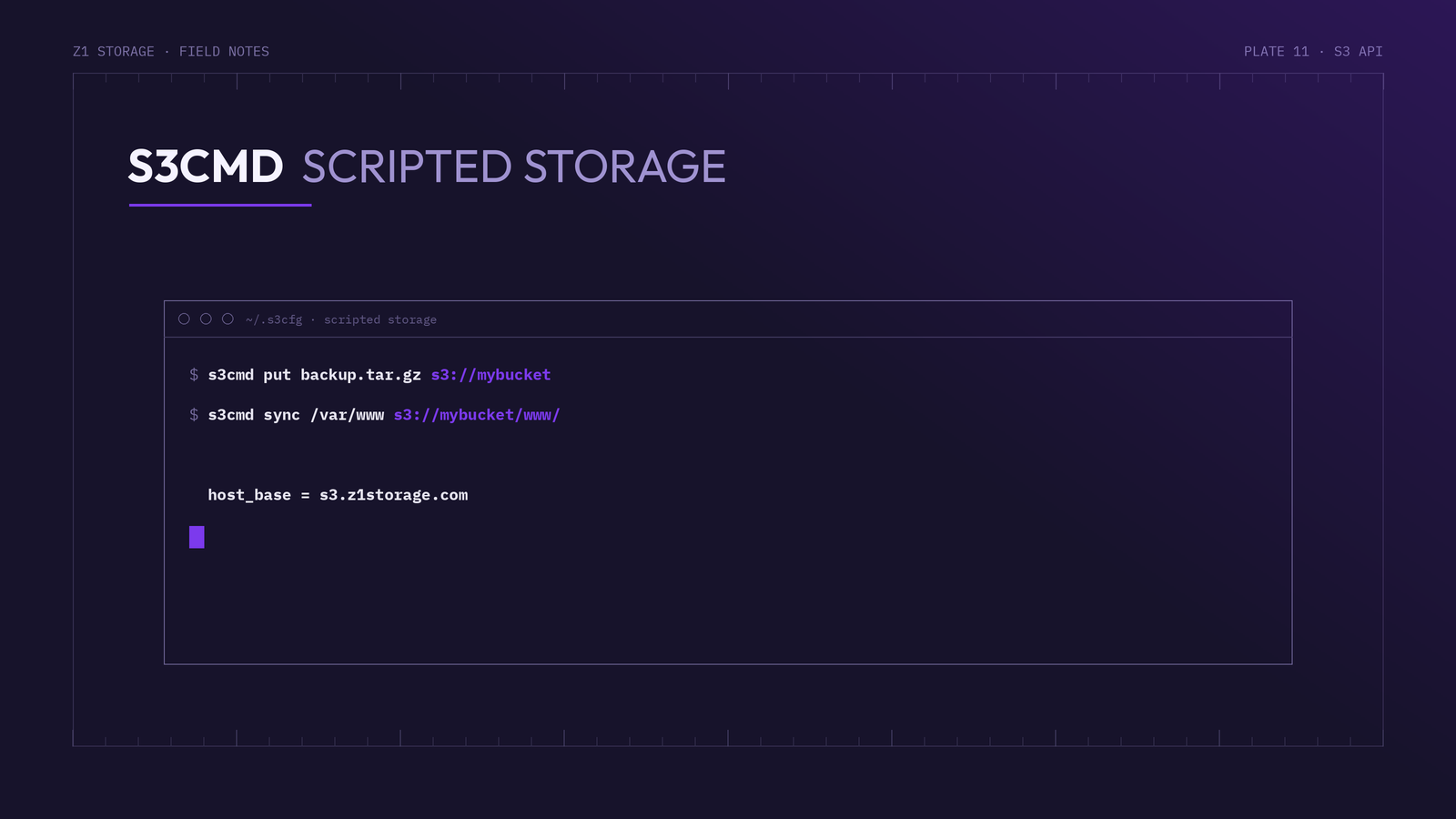
s3cmd is a free command-line tool for managing data on S3-compatible cloud storage services like Z1 Storage. This guide walks you through installing it and connecting it to Z1 Storage.
Prerequisites
Before starting, ensure you have:
- A Z1 Storage account
- Your access keys (Access Key ID and Secret Access Key), available in your Z1 Storage client area
Installing s3cmd
s3cmd is a Python tool and runs on Linux, macOS and Windows (via Python).
- Linux: install from your package manager, e.g.
sudo apt install s3cmd(Debian/Ubuntu) orsudo dnf install s3cmd(Fedora/RHEL) - macOS:
brew install s3cmd(Homebrew) - Any platform (including Windows): with Python installed, run
pip install s3cmd
Verify the installation with s3cmd --version.
Configuring s3cmd for Z1 Storage
Run the interactive configurator:
s3cmd --configure
Answer the prompts as follows:
Access Key: YOUR_Z1_ACCESS_KEY
Secret Key: YOUR_Z1_SECRET_KEY
Default Region [US]:            # press Enter to accept the default
S3 Endpoint [s3.amazonaws.com]: s3.z1storage.com
DNS-style bucket+hostname:port template for accessing a bucket []: s3.z1storage.com
Encryption password:            # optional, for client-side encryption
Path to GPG program:            # press Enter for default
Use HTTPS protocol [Yes]: Yes
HTTP Proxy server name:         # leave blank unless you use a proxy
Test access with supplied credentials? [Y/n] Y
Setting the bucket+hostname template to s3.z1storage.com tells s3cmd to use path-style bucket access, which is the recommended access method for Z1 Storage.
Your settings are saved to ~/.s3cfg. The two important values should read:
host_base = s3.z1storage.com
host_bucket = s3.z1storage.com
Basic s3cmd Commands
s3cmd ls                                  # list your buckets
s3cmd mb s3://mybucket                    # create a bucket
s3cmd put myfile.txt s3://mybucket        # upload a file
s3cmd get s3://mybucket/myfile.txt        # download a file
s3cmd del s3://mybucket/myfile.txt        # delete a file
s3cmd sync /local/folder s3://mybucket/folder/    # sync a local folder to Z1
Useful Flags
--recursive— perform operations on whole directories--acl-public— make uploaded files publicly accessible (use with care)--dry-run— preview what a sync or delete would do before running it
Conclusion
s3cmd is an effective tool for managing your data on Z1 Storage — well suited to scripted backups and cron jobs. For more detail see the s3cmd usage documentation, or check out our other S3 API tutorials for more integration options.