The AWS Command Line Interface is the standard tool for scripting against S3 — and because Z1 Storage is S3-compatible, the AWS CLI works with your Z1 buckets out of the box. It is ideal for cron-driven backups, CI pipelines and one-off bulk operations.
Z1 Storage settings at a glance: Endpoint: https://s3.z1storage.com | Region: us-east-1 (default) | Access keys: from your client area
Install the AWS CLI
Download AWS CLI v2 for Windows, macOS or Linux from the AWS CLI page, or install via a package manager (e.g. brew install awscli). Confirm with:
aws --version
Configure your credentials
Run the interactive configurator:
aws configure

AWS Access Key ID: YOUR_Z1_ACCESS_KEY
AWS Secret Access Key: YOUR_Z1_SECRET_KEY
Default region name: us-east-1
Default output format: json
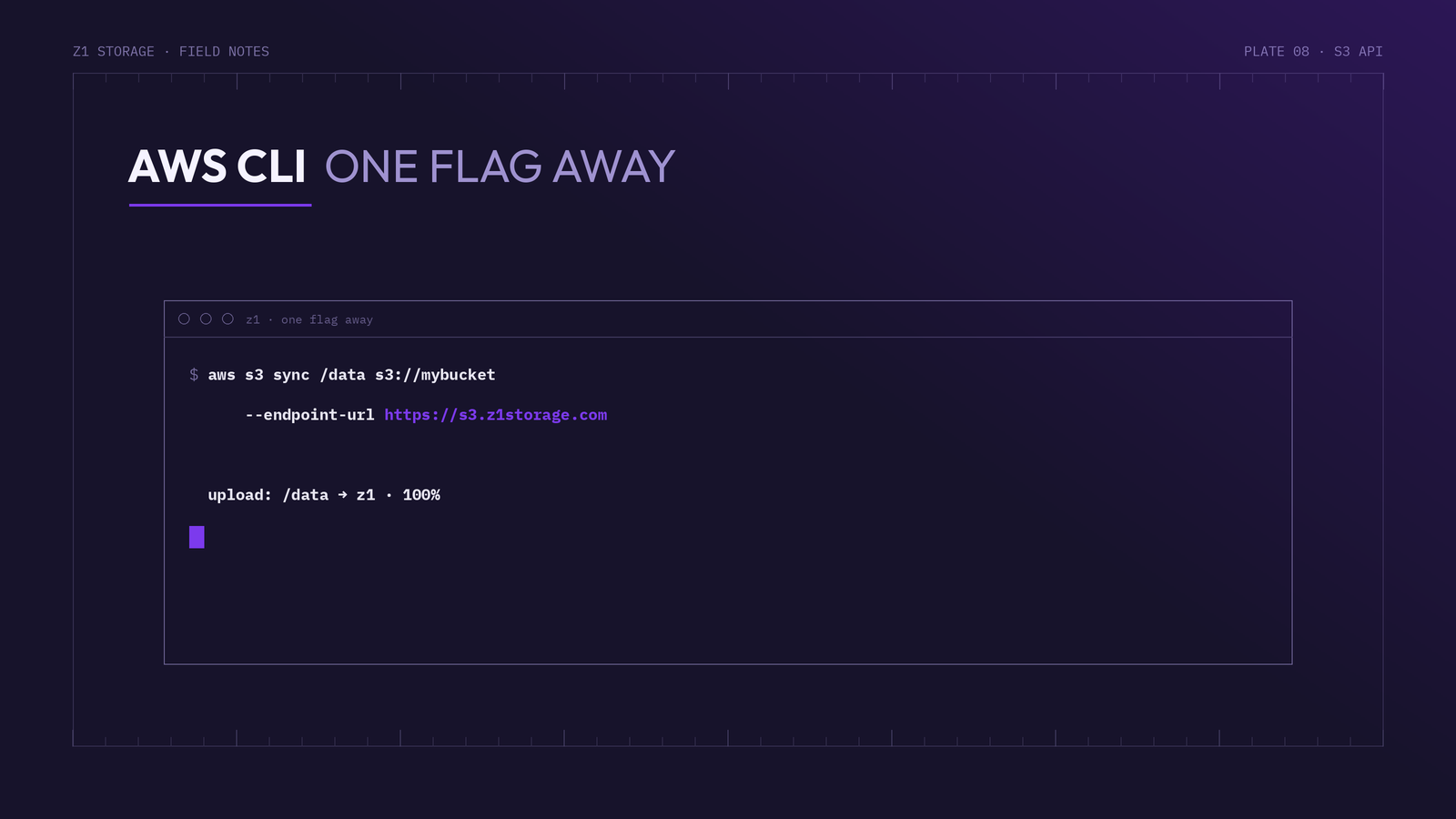
The one difference from AWS itself: every command must point at the Z1 Storage endpoint with --endpoint-url.
Everyday commands
# list your buckets
aws s3 ls --endpoint-url https://s3.z1storage.com

# list a bucket's contents
aws s3 ls s3://mybucket --endpoint-url https://s3.z1storage.com

# upload and download
aws s3 cp backup.tar.gz s3://mybucket/ --endpoint-url https://s3.z1storage.com
aws s3 cp s3://mybucket/backup.tar.gz . --endpoint-url https://s3.z1storage.com

# sync a folder to Z1 (perfect for scheduled backups)
aws s3 sync /data s3://mybucket/data --endpoint-url https://s3.z1storage.com
Save typing with an alias or profile
Add an alias to your shell so you never repeat the endpoint:
alias z1='aws --endpoint-url https://s3.z1storage.com'

z1 s3 ls
z1 s3 sync /data s3://mybucket/data
For scripts, a dedicated profile keeps Z1 credentials separate from any AWS accounts:
aws configure --profile z1storage
aws s3 ls --profile z1storage --endpoint-url https://s3.z1storage.com
A simple nightly backup
One line in cron gives you a scheduled off-site backup:
0 2 * * * aws s3 sync /var/backups s3://mybucket/server1 --endpoint-url https://s3.z1storage.com --only-show-errors
Pair it with an Object Lock-enabled bucket and those nightly copies become immutable, ransomware-resilient restore points.
The lower-level aws s3api commands (bucket policies, multipart operations, object metadata) work the same way — just remember the --endpoint-url flag. New to Z1 Storage? Sign up and test the CLI against your free 10GB account.